
Final project part 2: execution, monitoring, AI documentation and final report
Listen to this lesson
Nigerian voice narration
Fictional training case. Your final project plan is approved. Now run it — in real life if possible, or as a realistic simulation over four weeks — in ClickUp or Trello. Record progress, at least three problems and one change request, use AI to help with documentation, and finish with a final project report. Your submission will be assessed against the criteria in this lesson.

Introduction and objectives
In this final lesson you will create and run the project in ClickUp or Trello, use AI to assist with planning and documentation, monitor progress, handle problems and changes, and prepare a final project report. By the end you will have a complete portfolio piece showing you can manage a project from initiation to closure.
Setting up and running the project
Create the project in ClickUp or Trello with all work packages, owners, dates and priorities. Invite at least one other person, even a friend or colleague acting as a team member. Run weekly check-ins, move tasks across statuses and keep comments on tasks instead of in WhatsApp. Take dated screenshots at the start, middle and end.
Monitoring, problems and changes
Each week, record percent complete, tasks overdue, spending versus budget and a RAG status. Log at least three issues with the action taken and owner. Submit at least one change request with cost and time impact, the options you considered and the decision. Update your risk register, closing risks that passed and adding new ones.
AI-assisted documentation
Use ChatGPT or Gemini to draft at least three documents: a meeting agenda, meeting minutes from your notes and a stakeholder update email or progress report. For each, include a short note on what you corrected. Follow the safety rules: no personal or confidential data in prompts, every figure verified.
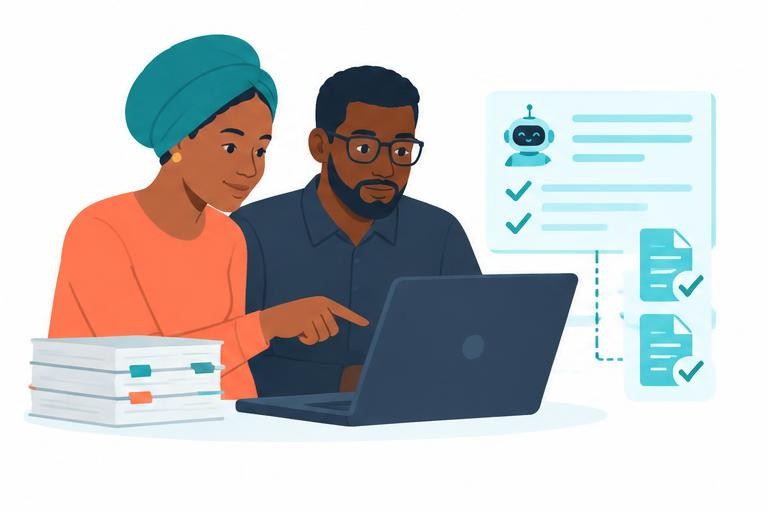
Build the prompt from three phrases — Role, Task and Format — and watch the AI answer.
Final report and assessment criteria
Write a two- to four-page final report: project summary; objectives and results; schedule and budget performance with figures; issues, changes and risks managed; stakeholder feedback; lessons learned; and recommendations. Assessors check planning quality (25%), use of software (20%), monitoring and control (20%), responsible AI use (15%) and the final report (20%).
Common mistakes to avoid
Common mistakes include building the board but never updating it, inventing a perfect project with no problems, using AI to write the whole report without real data, missing screenshots, and writing lessons learned like 'everything went well'. Honest reflection on what went wrong earns more marks than pretending.
Practice exercise
Submit your portfolio: the planning pack from part 1; three dated screenshots of your ClickUp or Trello project; weekly status notes; issue log and change request; updated risk register; three AI-assisted documents with correction notes; and your final report with lessons learned.
Lesson summary
Final project part 2 proves you can execute, monitor and close a project. Run it in ClickUp or Trello, track progress weekly, handle issues and changes formally, use AI responsibly for documentation and submit an honest, evidence-based final report against the assessment criteria.
You are a project management examiner. Write the outline of a final project report for a four-week shop renovation managed in Trello with AI support as 7 headings with one line of guidance each.
Answer all three questions and check your answers to unlock the next lesson. Pass mark: 2 of 3.
A strong 'lessons learned' section…
How many AI-assisted documents must the portfolio include?
Dated screenshots at the start, middle and end of the project prove…