
Invoices, payments, bills and expenses in Zoho Books
Listen to this lesson
Nigerian voice narration
Fictional training case. It's Monday morning at Bello Office Supplies. GSS Jos orders 10 toners on credit, yesterday's invoice to Plateau Ministry of Education was paid by transfer, a supplier bill for ₦720,000 has arrived, and the driver submits a ₦28,000 fuel receipt. You will record all four in Zoho Books and see how receivables and payables update automatically.
Introduction and objectives
This lesson covers the daily transaction cycle in Zoho Books: creating sales invoices, recording customer payments, entering supplier bills, paying them and recording expenses. By the end you should be able to process a full day's transactions and read the accounts receivable and payable summaries.
Creating a sales invoice
Sales → Invoices → New. Select GSS Jos, confirm the invoice number (INV-000142), date and terms Net 30. Add item 'HP 85A Toner', quantity 10, rate ₦48,000, tax VAT 7.5%. Total: ₦480,000 + ₦36,000 VAT = ₦516,000. Click Save and Send to email it. Zoho posts Dr Receivables, Cr Sales and Cr VAT payable.
Recording a customer payment
Open the invoice and click Record Payment, or go to Sales → Payments Received → New. Enter amount ₦516,000, date, mode 'Bank Transfer', deposit to 'GTBank Current', and the bank reference. Zoho posts Dr Bank, Cr Receivables and marks the invoice Paid. Partial payments leave a balance due visible in the customer's statement.
Bills and payments to suppliers
Purchases → Bills → New: vendor Abuja Wholesale Stationers, bill number AWS-3391, items or expense accounts, total ₦720,000, due date. Attach the PDF invoice. When paying, use Purchases → Payments Made, select the bill and bank account. This posts Dr Payables, Cr Bank.
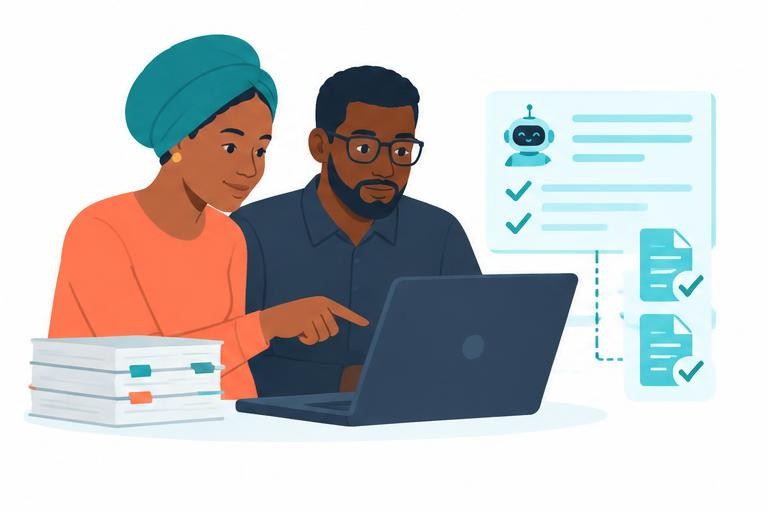
Build the prompt from three phrases — Role, Task and Format — and watch the AI answer.
Expenses and AR/AP reports
Purchases → Expenses → Record Expense for items paid immediately: account 'Fuel', ₦28,000, paid through 'Petty Cash', with the receipt photo attached. Then open Reports → Receivables → AR Aging Summary and Payables → AP Aging Summary to see who owes what and how overdue each balance is, in 0–30, 31–60 and 61–90+ day bands.
Common mistakes to avoid
Typical mistakes are recording a customer payment as a new 'income' entry instead of against the invoice (which double-counts revenue), entering a supplier bill twice from a scan and an original, forgetting attachments, and choosing the wrong 'paid through' account so the bank never reconciles.
Practice exercise
In your trial organisation, create three invoices, record one full and one partial payment, enter two supplier bills with attachments, pay one, and record three expenses. Open the AR and AP aging reports and write down the total outstanding in each band.
Lesson summary
In Zoho Books, invoices create receivables, payments clear them, bills create payables and expenses record immediate costs. Always link payments to the invoice or bill, attach evidence and review aging reports weekly.
You are a Zoho Books trainer. Explain step by step how to invoice GSS Jos for 10 toners at ₦48,000 with VAT and then record their bank payment as numbered steps with the menu path and the resulting entry.
Answer all three questions and check your answers to unlock the next lesson. Pass mark: 2 of 3.
10 toners at ₦48,000 plus 7.5% VAT gives an invoice total of…
The AR Aging Summary shows…
Why attach the supplier's invoice PDF to a bill?